
 Control Techniques
 Estun Automation
 CODESYS
 Crevis
 Nexcom / Nexcobot
 Leroy-Somer
 Servo Systems
 AC Drive + Motor
 DC Drives
 Smart PLC
 Panel PC / IPC
 Remote I/O
X CNC Library
From G-code to the axes: spline merging, corner smoothing, look-ahead velocity planning and 1 ms interpolation.
In short
X CNC Library is a path planning and interpolation library developed by ONX Control for CODESYS V3.5 based CNC machines. It merges the short lines coming from CAM into quintic splines within the contour tolerance, smooths corners with verified transition bridges, plans look-ahead velocity from the axis velocity/acceleration/jerk limits and produces position targets for the X/Y/Z/A/C axes every 1 ms.
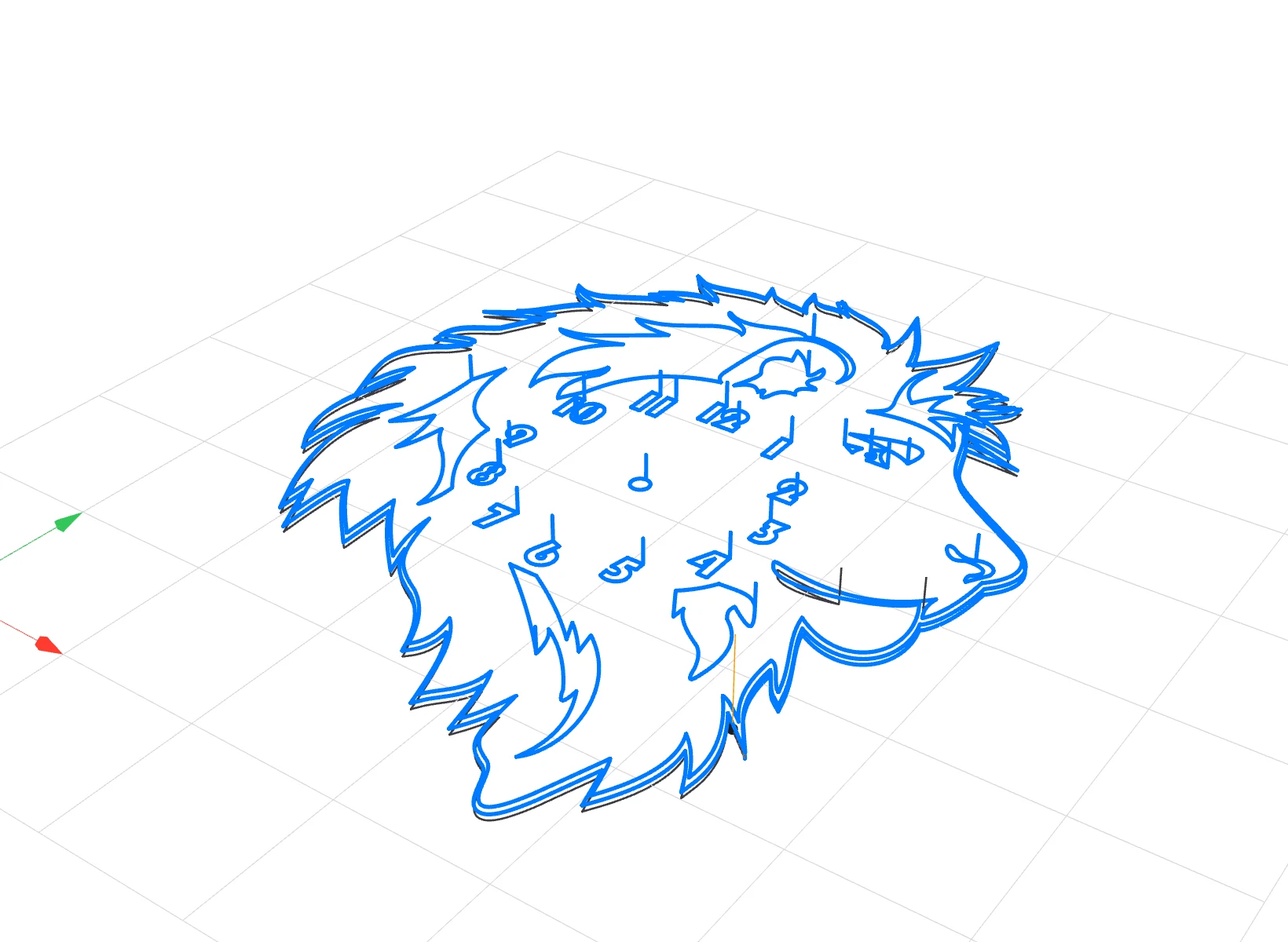
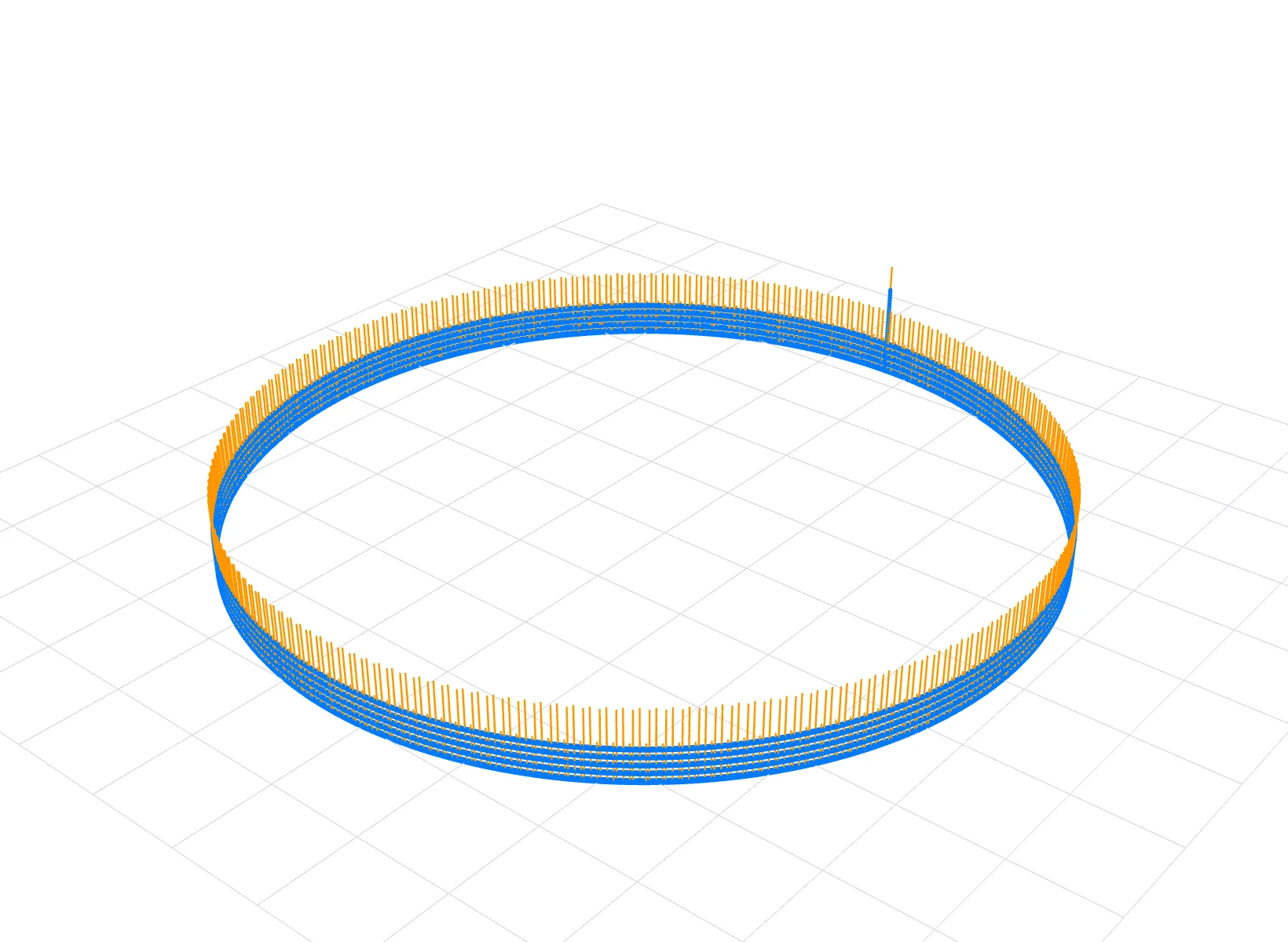
Rotary axes are smoothed with their own angular tolerance (e.g. 0.08°).
Fully used and never exceeded on a 64,058-line program.
In the 1 ms task with time-budgeted planning, across all test programs.
On the same 64,058-line program, tracked by an overrun counter.
Measurements from ONX lab tests: CODESYS Control RTE, Intel J1900 industrial PC, 1 ms EtherCAT task, virtual axes. Servo following and surface measurements on the machine are done separately.
From G-code to axis position
Geometry preparation and motion execution run on separate time scales. The 20 ms Path task reads the program, refines the geometry and plans velocity; ready objects are written to a queue. In the 1 ms EtherCAT task the Interpolator produces an axis position target from this queue in every cycle. The whole file does not have to be loaded in advance; the queue streams live.
Short lines, one smooth spline
CAM output often describes free-form surfaces with thousands of sub-millimetre G1 lines. A path that changes direction at every vertex keeps forcing the speed down and makes the axes shudder.
X CNC merges consecutive lines into quintic (5th-order) splines that stay inside the contour tolerance. Every candidate is verified numerically; a candidate that leaves the tolerance tube, loops or drifts away from the contour is rejected.
- Merge and corner smoothing use one tolerance budget
- Programmed stops, M and H points are preserved
- An upper deviation bound is recorded and traceable for every object
Through the corner without stopping, within tolerance
Instead of an exact stop where two objects meet, both sides are trimmed and a quintic transition bridge is built. The bridge deviation is limited by the remaining tolerance budget; on short objects both ends share one trim allowance so the bridge is not shortened unnecessarily.
- Corner smoothing set from the program with G51 D
- Corner rounding within angular tolerance while A/B/C rotate
- A separate corner tolerance for consecutive G0 moves
Continuous acceleration, not steps
The end of a G-code line is not a reason to slow down by itself. The look-ahead planner evaluates upcoming objects together; as long as geometry and dynamics allow, speed rises to the target feed in one acceleration rather than step by step over short objects.
Path speed and axis speed are kept apart: every axis's own velocity, acceleration and jerk limits enter the plan; real corners, programmed stops and physical limits are respected.
- Per-axis V / A / J limits and path jerk
- 0–100 % override in motion with jerk-limited transitions
- Controlled and quick stop, resume from where it stopped
Deterministic in a 1 ms cycle
In every EtherCAT cycle the Interpolator produces the next position target from the plan; lines, arcs, ellipses and splines are evaluated with the same length model. Heavy plan updates are split into a per-cycle time budget so the 1 ms task is not disturbed.
Position gaps at start-up and during operation are closed with jerk-limited motion; at the end of the program the axes settle on the last point.
Rotary axis smoothing on 5 axes
In programs where the tool axis changes with A and C, rotary motion is smoothed with a cubic Hermite law through the source nodes. Angular deviation is bounded by its own tolerance; rotary speed does not jump at object boundaries and the path does not slow down needlessly at A/C nodes.
In a lab test on a 4,822-line 5-axis program all 4,796 rotary transitions were smoothed (0 fallbacks), with A/C deviation 0.006° and XYZ deviation 0.0061 mm.
A CNC operator panel in the browser
The web HMI offers the same functions from any device on the machine network (PC, tablet, phone). It talks to the PLC over OPC UA; bulk data such as trace and file transfer flows over a separate TCP link. The Windows desktop HMI has the same functions.
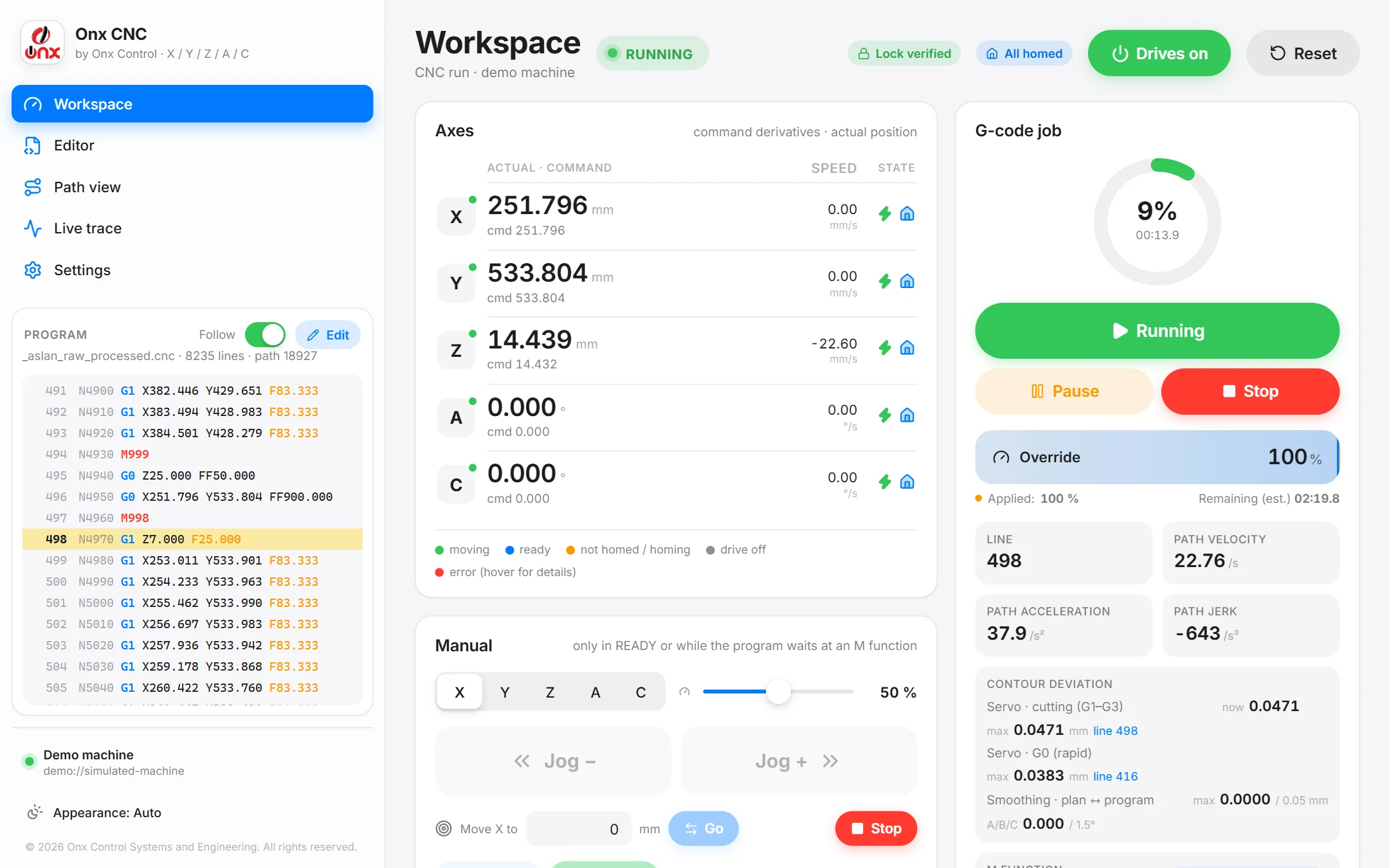
Axes, manual motion, job progress, override, contour deviation, M and H state.
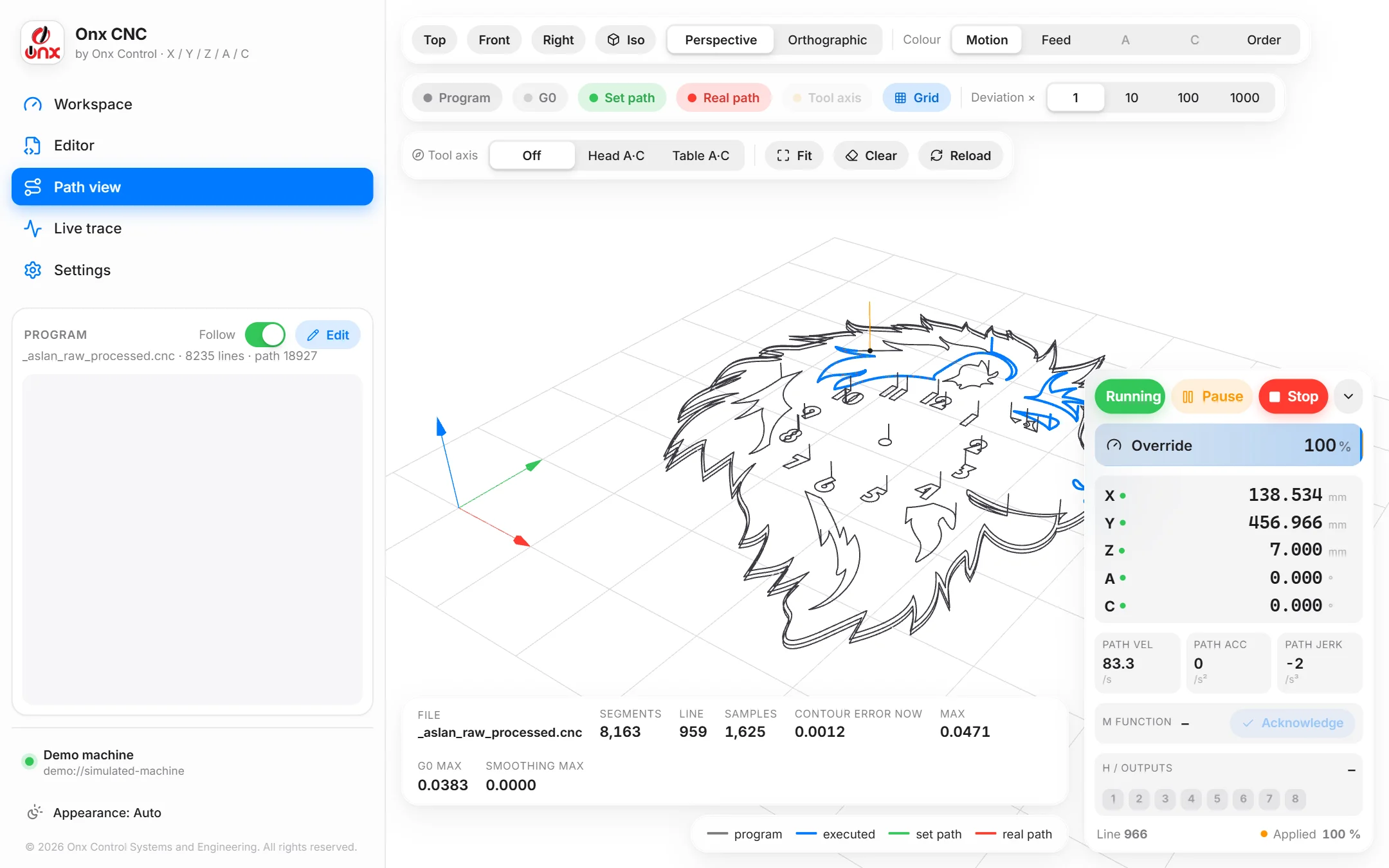
Program, executed path, set and real path; tool axis, deviation magnification.
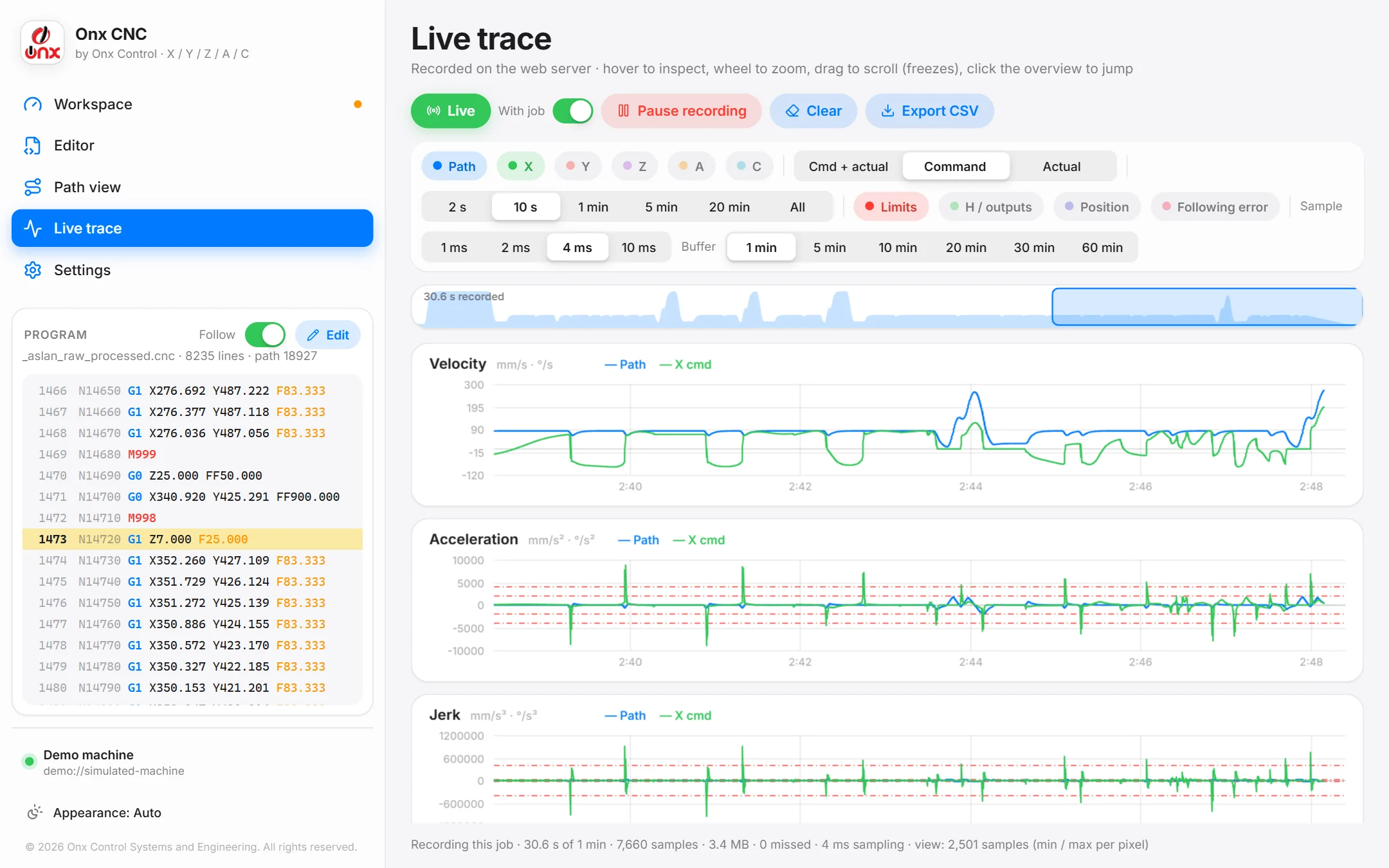
Path and axis velocity/acceleration/jerk, limit lines, 1–10 ms sampling, CSV.
Screenshots are from the web HMI demo mode (simulated machine); the values on screen are not measurement results.
Program and machine functions
G-code (DIN 66025)
G0, G1, G2/G3 arcs, ellipse and spline objects; G51 corner smoothing, G75; modal commands from the CODESYS interpreter.
Intervention at M functions
While the program waits at an M function the axes can be jogged or moved; on acknowledgment they return to the stop point and continue.
H switching points
Outputs switched at a position along the path; does not stop the motion or break spline merging.
Override and stop
0–100 % override in motion, pause/resume, controlled and quick stop; transitions are jerk-limited.
Diagnostics and trace
Velocity-limit reason, largest jerk and its location, contour deviation, audit records; trace down to 1 ms.
Protection and delivery
Compiled library, X Motion lock code, software limit fence, manual motion safety via HMI heartbeat.
No CODESYS SoftMotion licence required
X CNC Library drives the axes with ONX's X Motion Library and performs interpolation with its own Interpolator. CODESYS's licensed SoftMotion axis definitions and SMC_Interpolator are therefore not used.
Not required
- SoftMotion axis licence
- SoftMotion CNC interpolator licence (SMC_Interpolator)
- An extra licence for G-code reading/interpreting (SMC_ReadNCFile2, SMC_NCInterpreter)
Required
- The controller's CODESYS Control runtime licence
- ONX X Motion lock code (activates X CNC and X Motion)
Operator panel
The web HMI publishes only 451 symbols over OPC UA, staying below CODESYS's 512-tag OPC UA limit that needs no extra licence. Trace and file transfer use a separate TCP link.
Licensing terms may vary with the CODESYS version and controller; your project's licence list is confirmed together at the quotation stage.
Lab measurements
The values below come from ONX's own test records. Conditions: CODESYS Control RTE, Intel J1900 industrial PC, 1 ms EtherCAT task, virtual axes; contour tolerance 0.05 mm, axis jerk limit 4·10⁵.
| Program | Measured | Result |
|---|---|---|
| Free-form surface, 64,058 lines (57,187 G1) | Contour deviation · axis jerk | Max 0.0500 mm (tolerance 0.05 mm) · 0 overruns |
| Relief, 8,235 lines | EtherCAT jitter · longest ipo() call | Max 28 µs · 764 µs (within the 1 ms task) |
| 5-axis, 4,822 lines | Rotary smoothing · deviation | 4,796 / 4,796 transitions, 0 fallbacks · A/C 0.006°, XYZ 0.0061 mm |
| Free-form surface, 64,058 lines | Before / after time-budgeted planning | Max jitter 4460 µs → 27 µs |
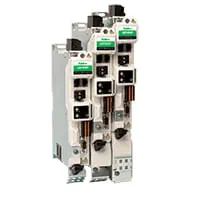
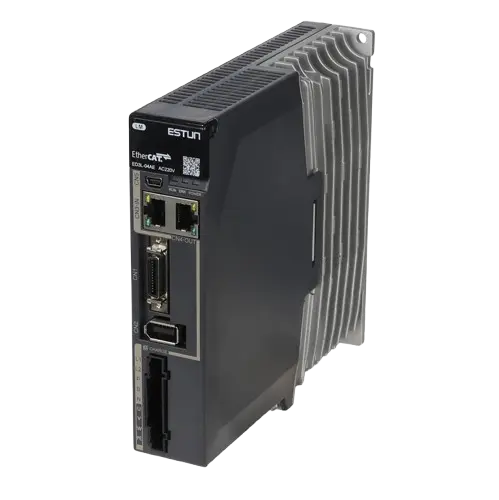
Which hardware does it run with?

Related: CNC metal cutting · Custom machine software · ONX Motion Sizing · X Motion Library
Frequently asked questions
What is X CNC Library?
A CNC path planning and interpolation library developed by ONX Control for CODESYS V3.5 based machines. It refines the geometry coming from G-code within the contour tolerance, plans velocity from the axis dynamics and produces position targets for X/Y/Z/A/C every 1 ms.
Which CODESYS version does it work with?
The library is developed and compiled with CODESYS V3.5 SP22 Patch 3. Axes are driven through ONX's X Motion Library; G-code reading and interpretation use CODESYS's standard NC reader and interpreter.
How is the contour tolerance kept?
Spline merging and corner smoothing share one total tolerance budget and never spend it twice. Each spline candidate is verified inside the tolerance tube through the convex hull of its Bézier control points; a candidate that cannot be verified is shortened or the raw geometry is kept.
What does it do on 5-axis programs with A and C?
A separate angular tolerance (e.g. 0.08°) is set for the rotary axes; A/B/C motion is smoothed with a cubic Hermite law through the source nodes, so the rotary axis speed does not jump at object boundaries. Corners can also be rounded within this tolerance while A/B/C rotate.
Is there an operator panel?
Yes. There is a browser-based web HMI (PC, tablet, phone) and a Windows desktop HMI: axes, manual motion, job monitoring, 3D path view, live trace, contour deviation, manual intervention at M functions and a G-code editor.
Is a CODESYS SoftMotion licence required?
No. Axes are driven with ONX's X Motion Library and interpolation is done by X CNC's own Interpolator; CODESYS's licensed SoftMotion axis definitions and SMC_Interpolator are not used. The SM3_CNC components used for reading and interpreting G-code (SMC_ReadNCFile2, SMC_NCInterpreter) do not require a licence. The controller's CODESYS Control runtime licence and ONX's X Motion lock code are required.
How is it delivered?
The library is delivered as a compiled CODESYS library together with an example machine project and the HMI, and is activated with the X Motion lock code. Commissioning and adaptation to the machine are planned with ONX engineers within the project.
Let's look at X CNC on your CNC machine
Share your machine type, axis layout, drives and a sample G-code program; we will come back for a demo with the web HMI and adaptation to your machine.